Horus Eye · NPSP → Agentforce Nonprofit
NPSP migration deliverables: what an assessment hands you
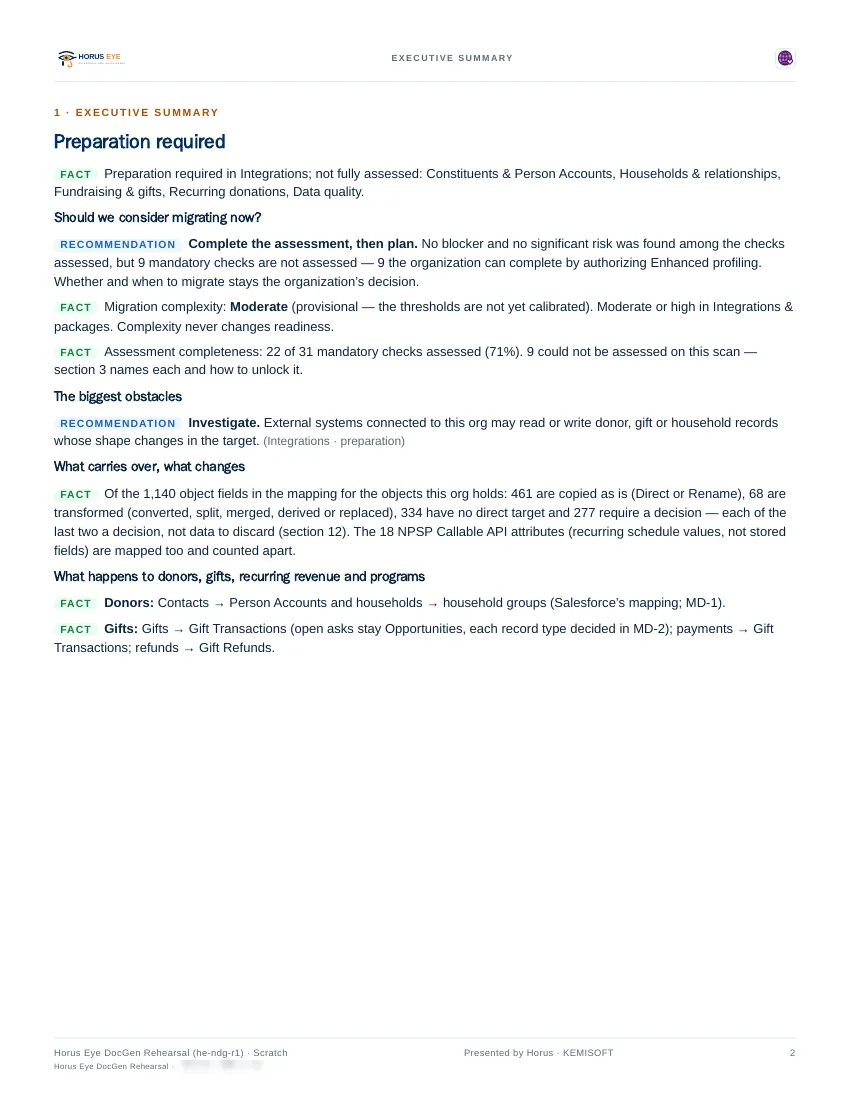
NPSP migration deliverables are the product of an assessment, so judge them directly. These pages are rendered from NPSP migration assessments of Kemisoft’s own test orgs — seeded example data, never customer data — and each document is written for a specific reader: the sponsor, the architect, or the delivery manager. Every report carries its own disclaimer, because evidence with stated limits is the whole point.[2][3]
How to read an assessment report
Reading GuideA good assessment report earns trust by how it argues, not how it looks — so read these samples the way a skeptical sponsor would, with three checks:
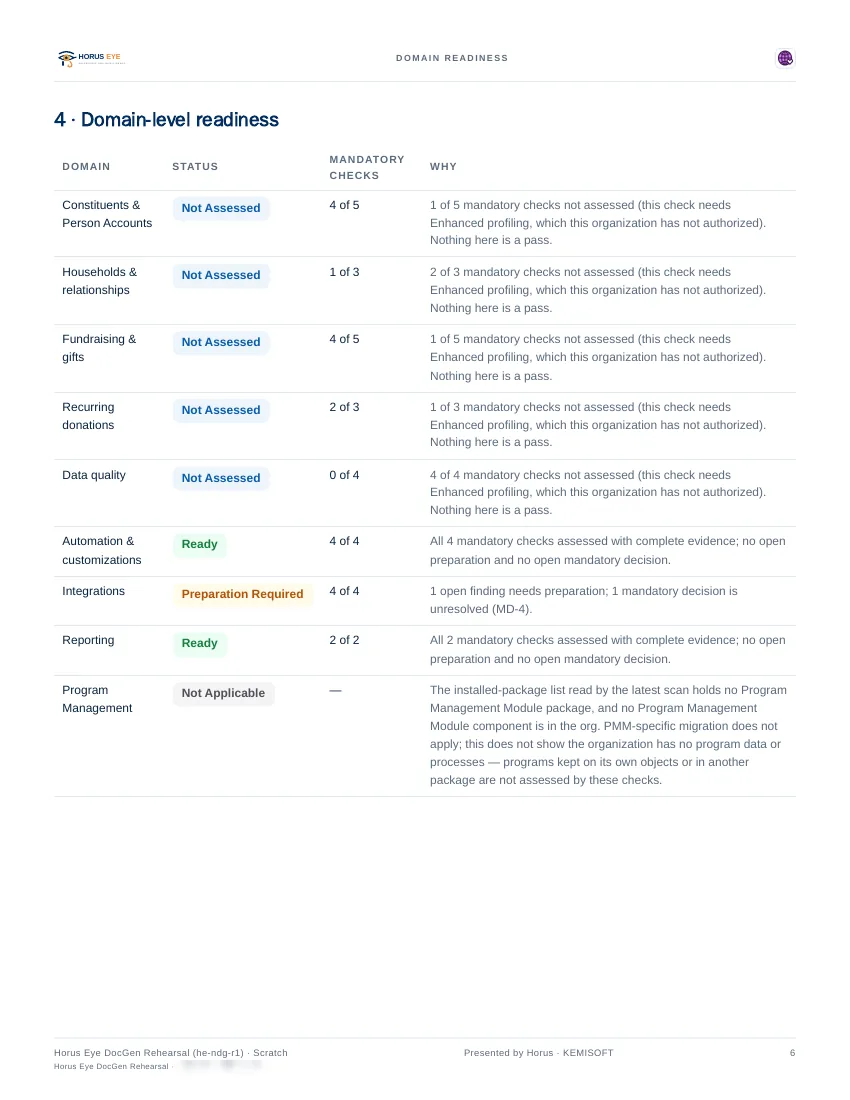
- Every claim names its evidence. The record type, the field, the flow the scan actually saw — and a plain statement of what was not assessed and why. “Not assessed” stated out loud is a feature; a report with no gaps is hiding them.
- Recommendations are separated from decisions. The report proposes, the decision register records what your organization chose, and nothing is presented as settled that you have not settled.
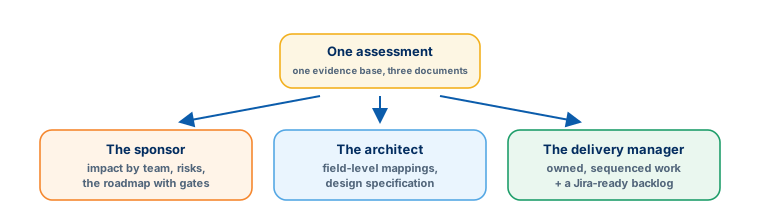
- Each document knows its reader. The sponsor’s deliverable argues impact and risk, the architect’s carries field-level mappings, the delivery manager’s turns both into owned, sequenced work. One undifferentiated PDF for everyone is how findings get ignored.
NPSP Readiness Summary
The Gallery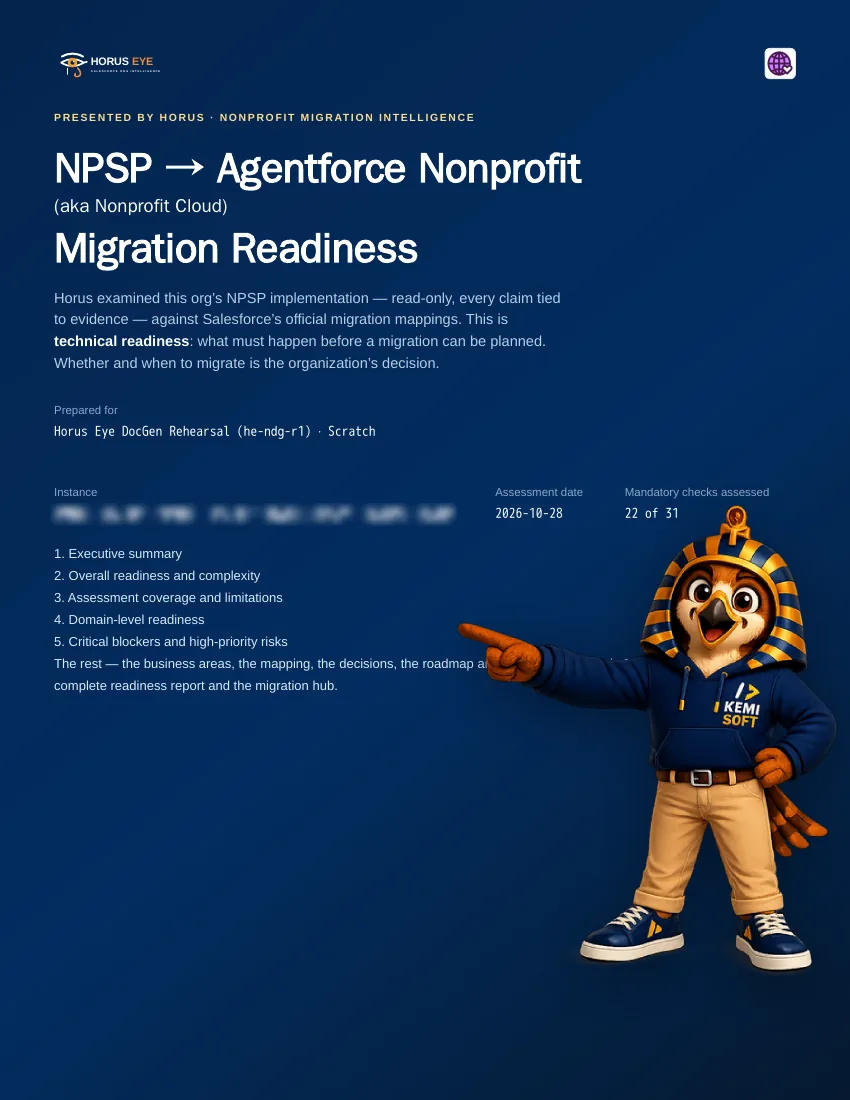
Readiness Report & Decision Register
The Gallery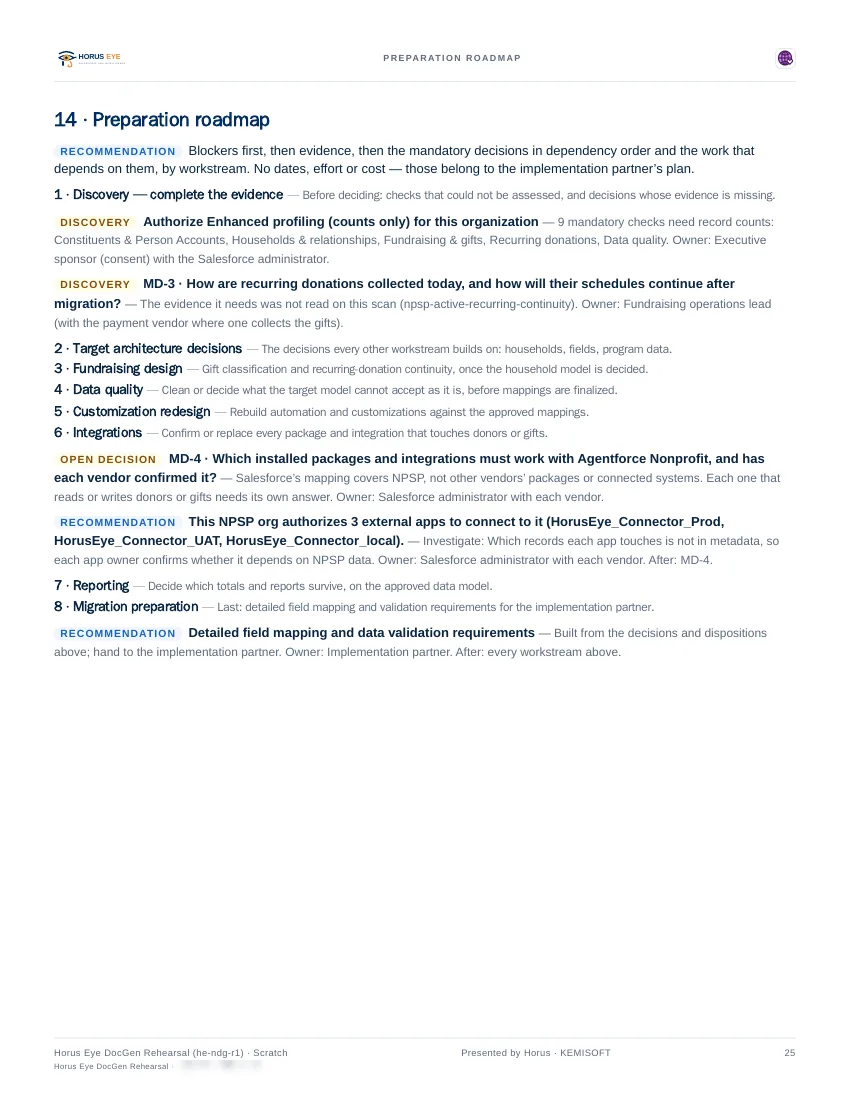
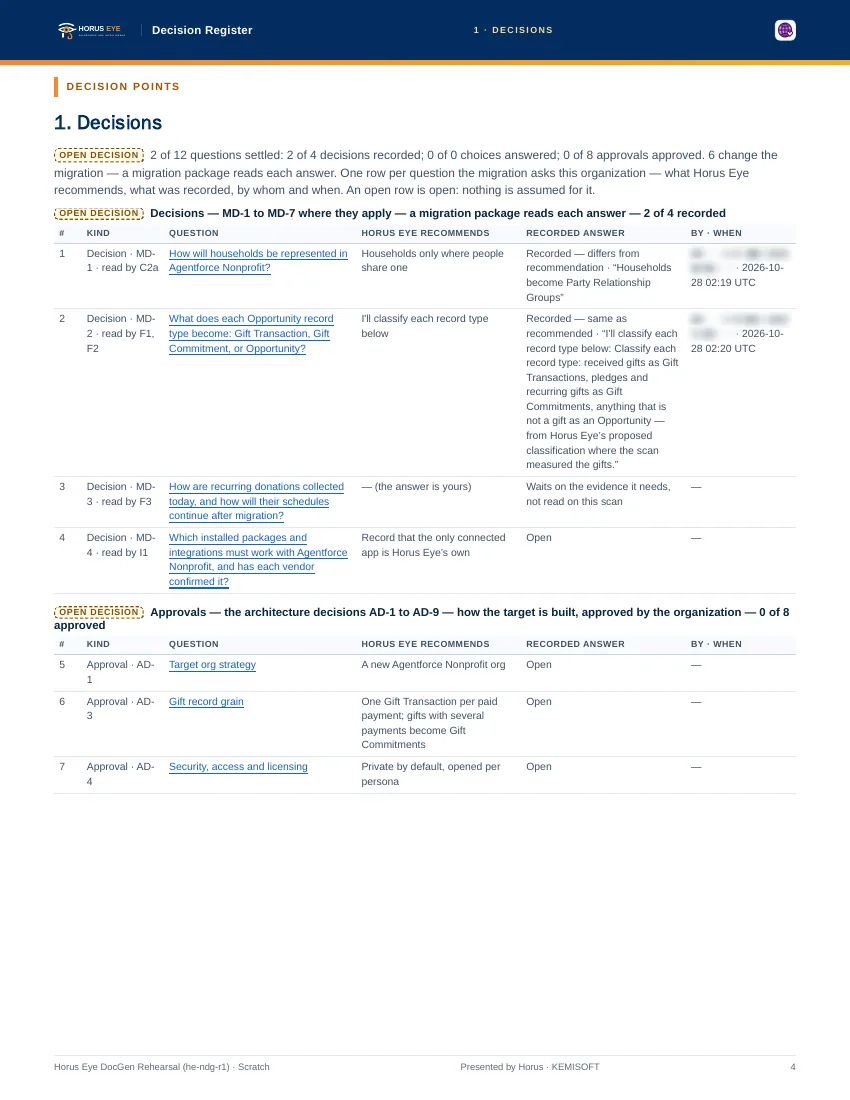
The three delivery documents
The Gallery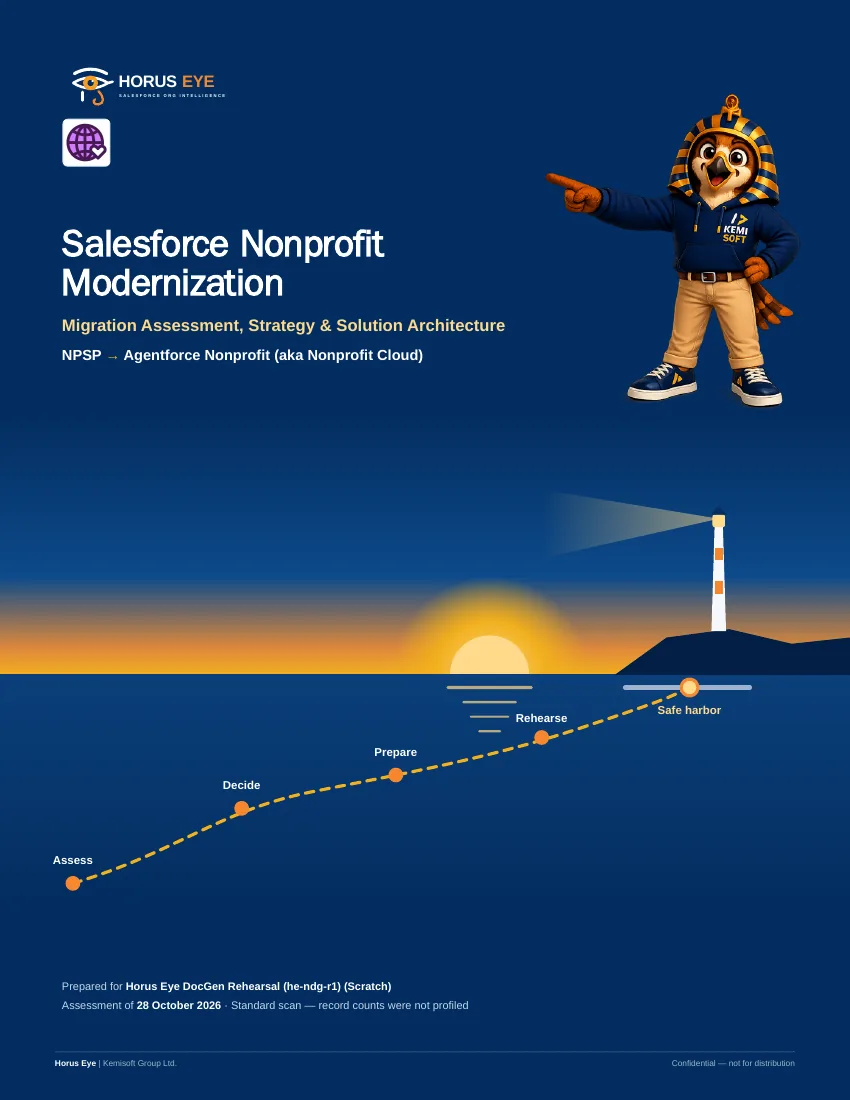
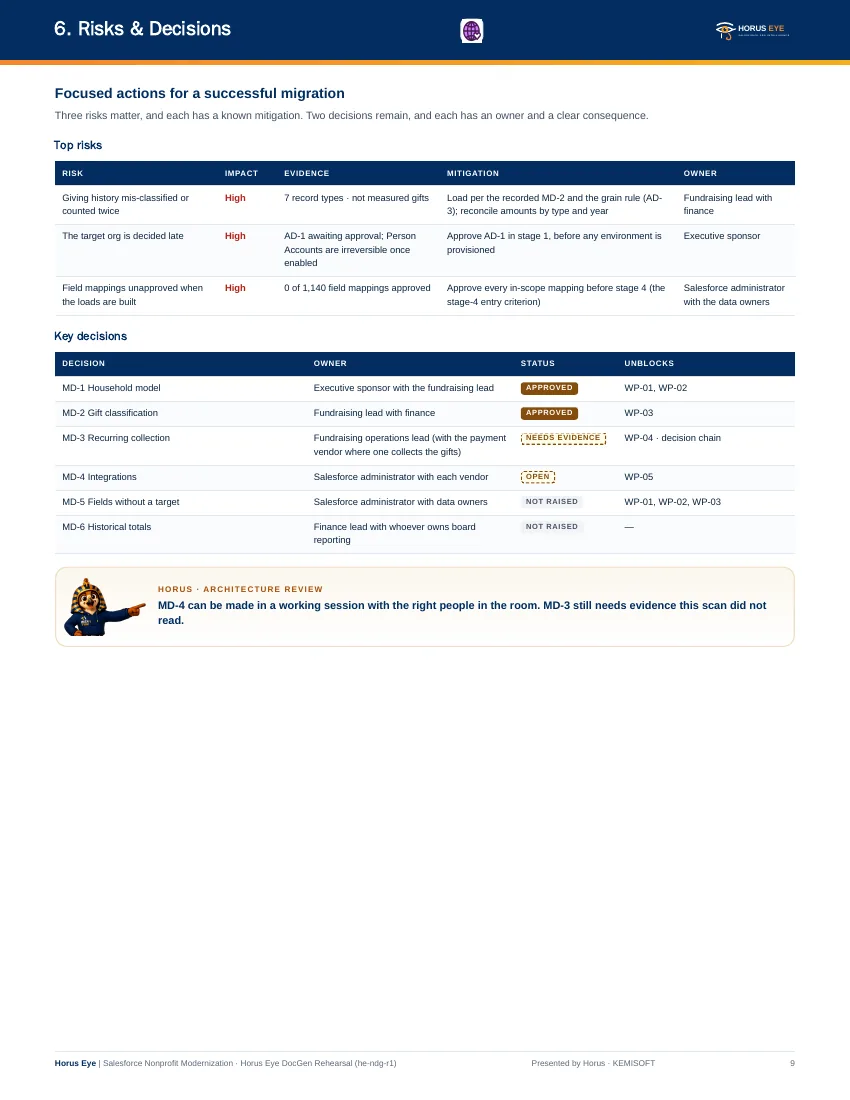
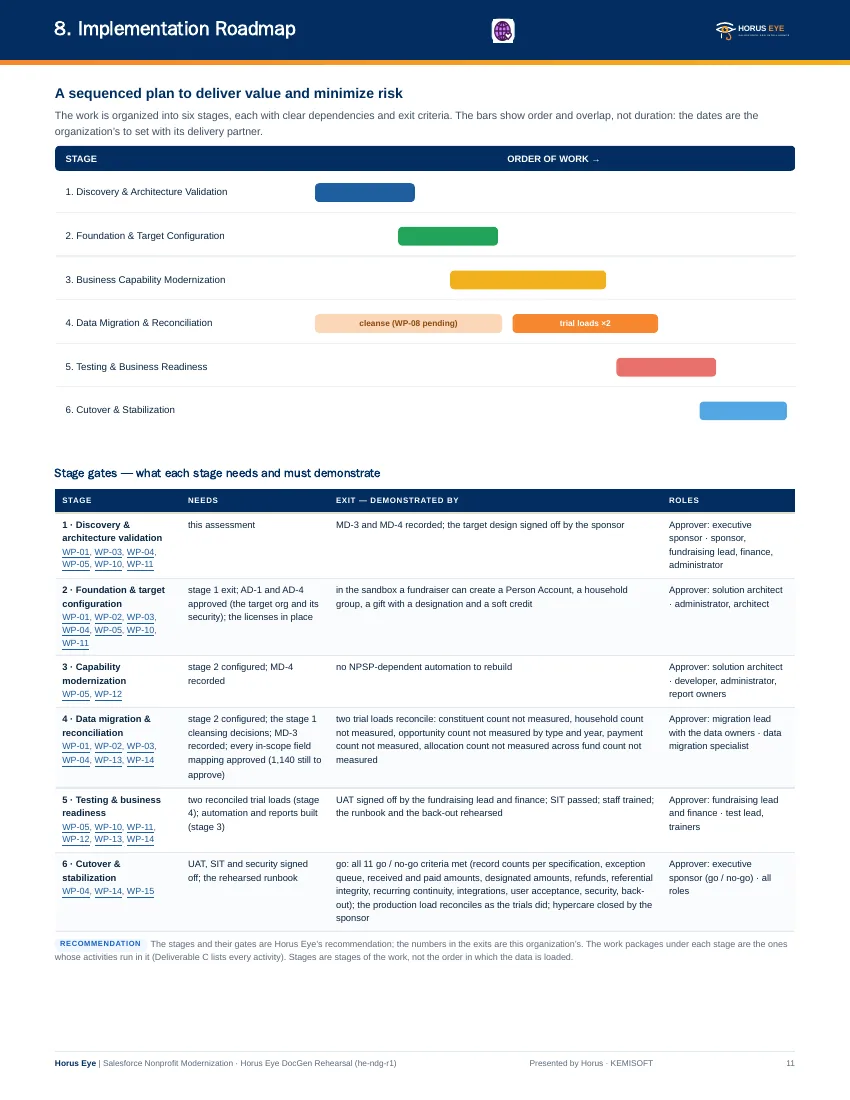
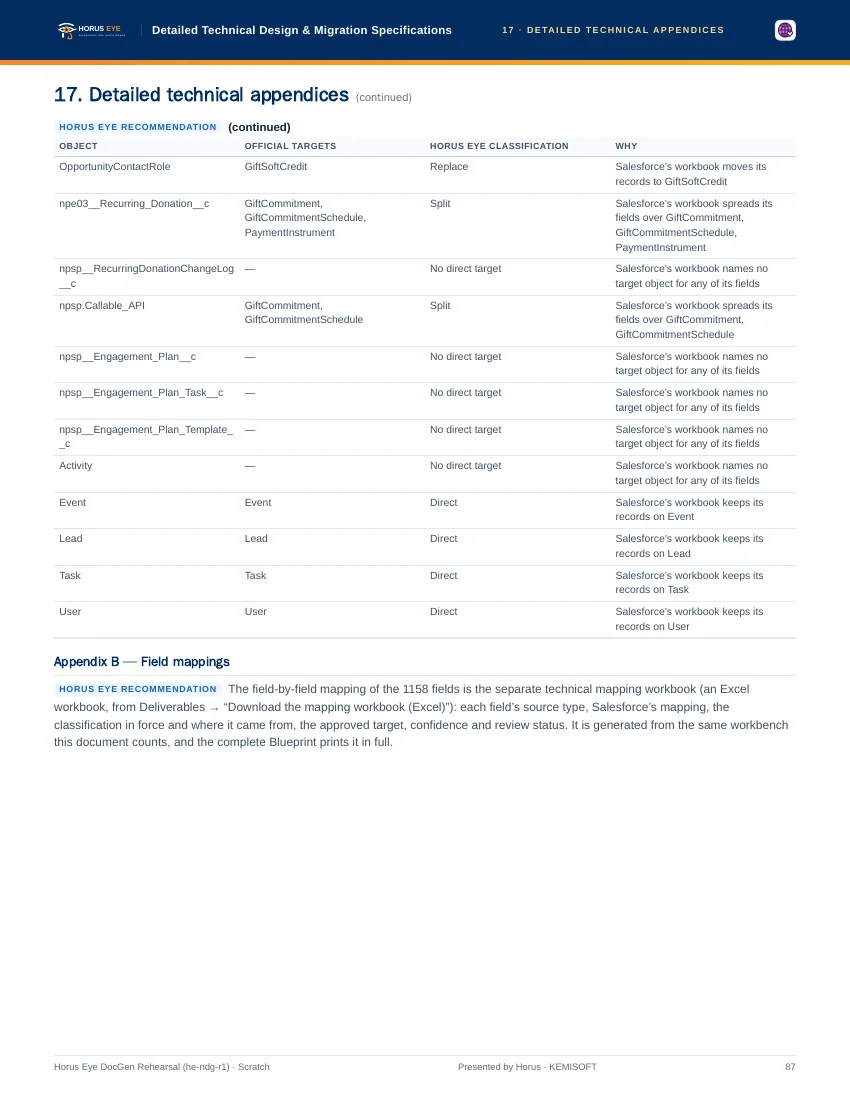
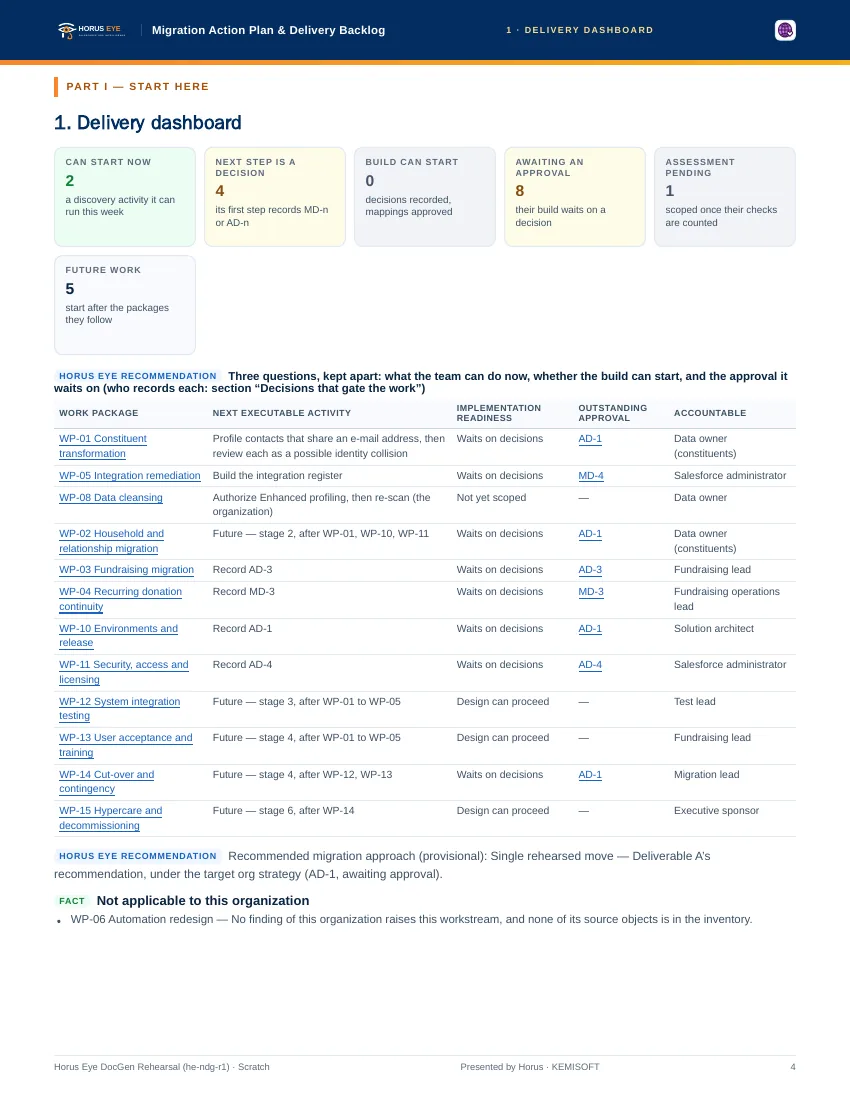
Validation & cut-over
The Gallery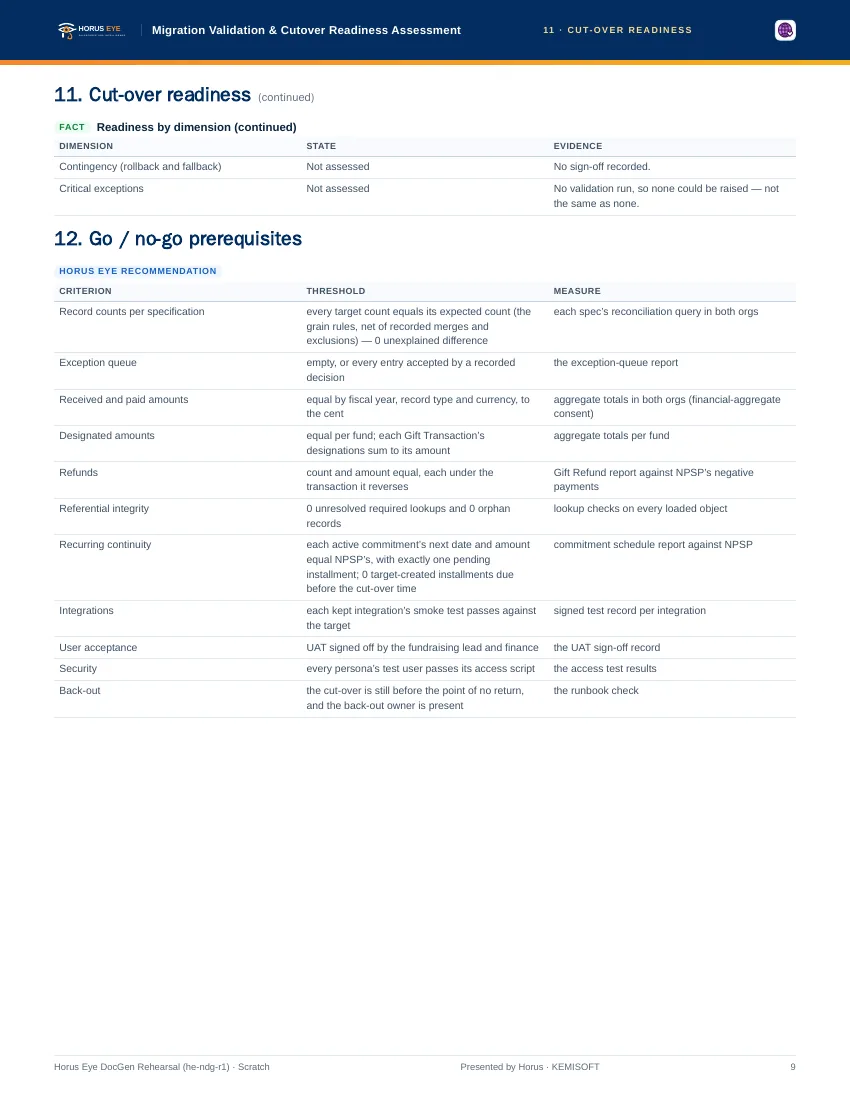
Also in the bundle
Workbook & BacklogBeside the PDFs above, the NPSP deliverables include the Mapping Workbook[1] (Excel — source fields, destinations, transformation choices, one-to-one and many-to-one mappings, omitted fields and newly created data) and a Jira-ready backlog (CSV) so the delivery manager’s work packages land directly in your tracker. The counts on these pages describe Kemisoft’s own seeded test orgs; your report would carry your org’s numbers, reconciled against your data. Any vendor sample — ours included — shows the shape of the work, never the size of yours.
About the figures on this page: counts and percentages describe Horus Eye’s own test orgs, which hold seeded example data. They are examples of what an assessment reports — never typical results and never a benchmark for your org.
Sources & further reading
References- 1.
 Salesforce · Agentforce Nonprofit Migration Guide v2.0 (PDF) — The official guide this content follows: platform differences, migration recommendations, and how NPSP features map to Agentforce Nonprofit. ↩︎
- 2. Salesforce Help · Nonprofit Cloud Migration and Implementation Guides — Salesforce’s index of the migration, implementation, Fundraising and Program Management guides. ↩︎
- 3. Salesforce · Fundraising Implementation Guide (PDF) — How Fundraising is planned and configured in the target: processes, objects, gift entry, RFM scoring. ↩︎
“Salesforce”, “Agentforce” and related marks are the property of Salesforce, Inc. Horus Eye is an independent product and is not affiliated with, endorsed, or sponsored by Salesforce, Inc.
Protected AI — the Trust Layer
Every AI read in Horus Eye is metadata-first: built from an allowlist, sanitized by pattern, made through one audited gateway and checked by an output firewall on the way back — and AI is off by default, per org. Every request carries an audit id and an AI Data Scope manifest you can open.
Want these pages about your nonprofit’s org instead?
Horus EyeA read-only assessment produces the same documents from your evidence — written for your sponsor, your architect and your delivery manager.
Try Horus Eye Free Request an Assessment All Horus Eye pagesFree start · 250 credits for 60 days · no card required · scans are free