Horus Eye · Automation
Two healthy Flows can still create an unhealthy process
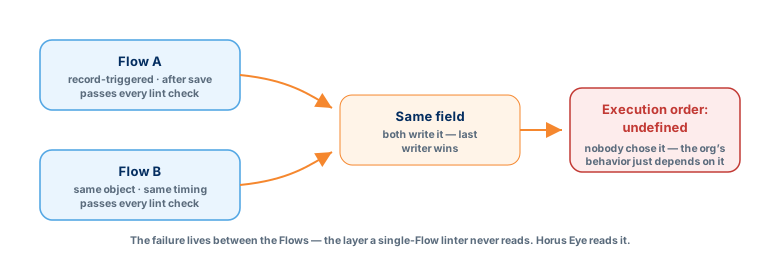
Flow linting checks a Flow against best practice. That misses where automation actually fails: between components. Two well-built record-triggered Flows on the same object, at the same timing, writing the same field — each passes review, and together they make the org’s behavior depend on execution order nobody chose. A Salesforce Flow audit worth the name reads every Flow in the context of everything else that touches the same process — and that is what Horus Eye does. Call it a Salesforce Flow analyzer or a Salesforce flow automation tool — either way, it works at the layer between Flows, where the failures actually live. Find where automation overlaps before another Flow makes the problem harder to see.
How automation estates get here
SymptomsToo many Flows on one object, and nobody can say which owns which business rule. Multiple Flows update the same field, so the final value depends on an execution order Salesforce doesn’t guarantee between them. Old Flows nobody dares deactivate — the last person who did broke renewals. Business logic duplicated between Flow and Apex because two teams didn’t know about each other’s work. Save transactions that crawl because every write re-triggers the stack. And underneath it all, Workflow Rules and Process Builder still firing — two retired engines carrying production logic with a migration deadline attached.
What Horus Eye checks — the automation rules
41 rulesCollision risks
Multiple record-triggered Flows at the same timing on one object · objects automated by several mechanisms at once · duplicate automation · circular subflows (critical — a loop of subflow calls) · automation chains of outlier depth.
Retired engines
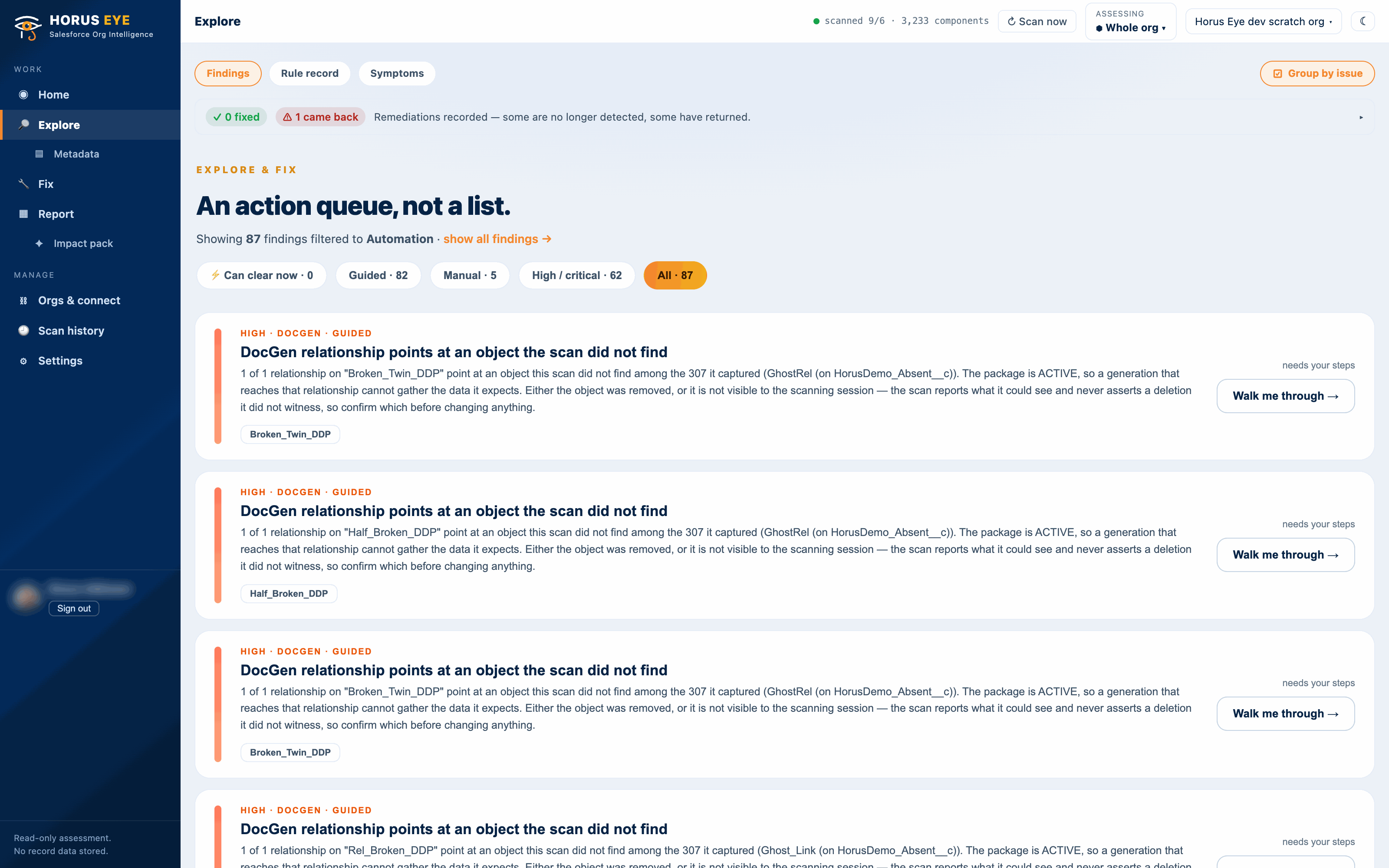
Active processes on Process Builder and objects still carrying Workflow Rules — grouped per object, because rules on one object share its save order and migrate together. Managed-package automation is excluded: the vendor migrates theirs, not you.
Reliability hazards
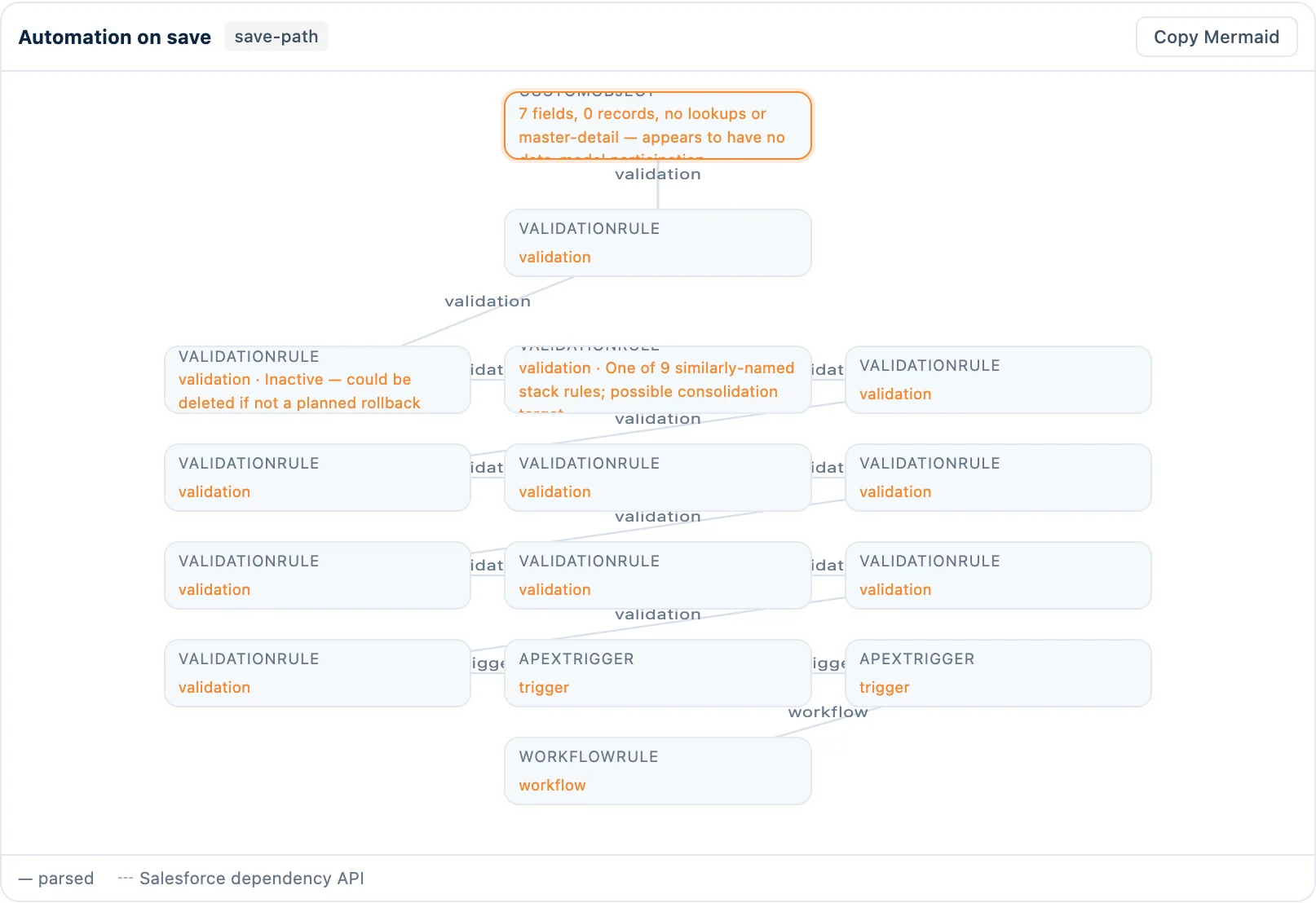
Query, DML or callout inside a loop · Flows doing record operations inside loops · inactive Flows still referenced by active automation · active automation pointing at inactive components · heavy validation-rule stacks.
Housekeeping signals
Flows retaining outlier version counts · flow ownership concentrated in one person (a bus-factor observation — flagged only above 80% of a 5-flow-minimum estate, and the rule admits last-modifier is an imperfect proxy).
Deep Read for Flows: purpose, writers, overlap
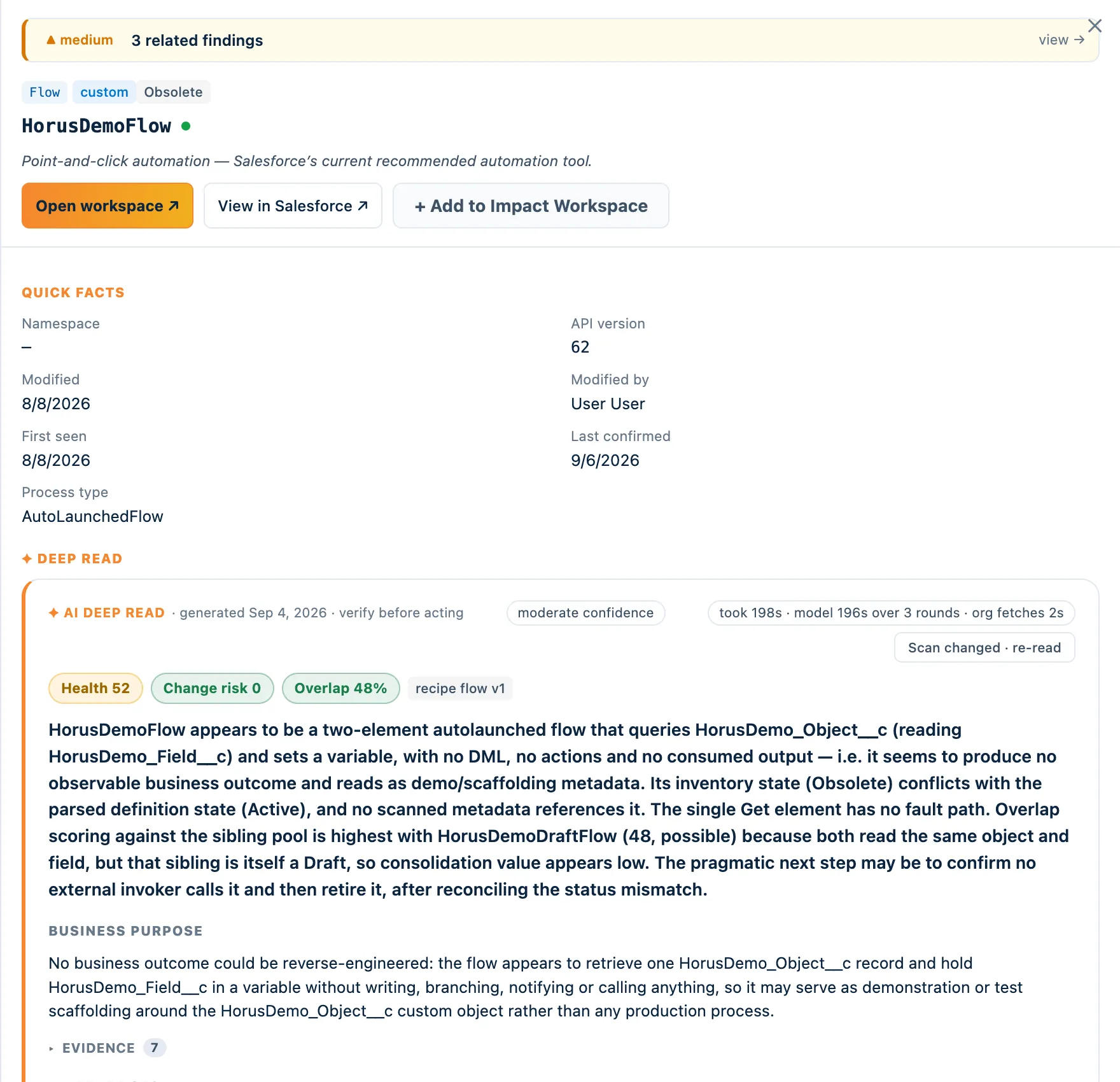
The differentiatorSelect a Flow and Horus explains its apparent business purpose (inferred, and labelled as such), maps its save path, analyzes which fields it reads and writes and who else writes them, draws the dependency graph — and then searches the org for behavioral overlap: other automation on the same object whose entry conditions and writers materially intersect. Each candidate is classified — duplicate, superset, complementary — with the shared fields and conditions that caused the classification, and a recommendation: merge, split, extract a shared subflow, refactor, retain separately, or retire.
Overlapping record-triggered Flows on Opportunity
- What Horus Eye detected
- Opportunity_Commercial_Update and Opportunity_Approval_Preparation run after-save on Opportunity under materially similar entry criteria, and both write Approval_Required__c.
- Evidence
- Both Flows: trigger = Opportunity, after save; entry conditions share StageName and Amount; common writers Approval_Required__c and Approval_Notes__c (observed). Apparent purpose: prepare commercial approval (inferred). Affected: 2 flows, 2 fields, 1 approval process, 3 reports reading Approval_Required__c.
- Why it matters
- Independent writers make execution order and future change harder to predict; a change to one flow needs regression of the other. Risk if ignored: silent order-dependent outcomes after the next edit, and duplicated fixes.
- Recommendation
- Evaluate consolidation, or extract the shared decision logic into one autolaunched subflow both call. Retain separately only if the criteria are intentionally divergent — the re-scan clears the same-timing finding when one writer remains.
- Confidence
- Moderate — inferred purpose; observed writers
What clears, and what honestly stays human
The clearingAutomation consolidation is mostly guided — and this page won’t pretend otherwise. Horus proposes the consolidation order, names the Flows and the option per pair, and the re-scan proves the result: the same-timing finding clears, the field-writer map shows one writer. What is executable executes: validation-rule deactivation and inactive-user flow ownership cleanup run as sanctioned, reversible, per-step-approved operations. The Flow edits themselves are human work — yours, or ours: a clean automation estate is also the first prerequisite Agentforce depends on.
Frequently asked questions
Straight answersWhat do Salesforce Flow best practices say about multiple Flows per object?
Current guidance allows multiple record-triggered Flows per object — but managed deliberately: one orchestrator pattern per timing, entry criteria that don’t overlap, and never two Flows writing the same field on the same timing without a chosen order. The findings on this page are those best practices, executed as checks.
Why do I have so many Salesforce Flows?
Because creating a new Flow has always been safer-feeling than editing an existing one — under deadline, clone-and-modify wins, and retirements never finish. The count isn’t the problem; unknown interactions between them are.
How do I find duplicate Salesforce Flows?
Compare behavior: object, timing, entry conditions, fields written. Names lie; writers don’t. Horus Eye’s overlap analysis does exactly this comparison and shows the “because” behind every candidate.
How can I determine which Flow updates a field?
The field-writer map: every automation that writes or reads the field, across technologies. It is the single most-used diagram in Deep Read for a reason.
Can I consolidate Salesforce Flows?
Usually — but per pair the right move differs: merge, split, extract a subflow, refactor, retain, or retire. Decide with the overlap evidence and blast radius visible, then verify with a re-scan.
Why are record-triggered Flows conflicting?
Salesforce doesn’t guarantee execution order between same-timing Flows on one object. If two write the same field, the last writer wins — and which runs last is not a promise. That is the finding, verbatim.
What happens when Process Builder is retired?
Support has ended; processes keep running on borrowed time. Migrate per object — not per process — so the order between them survives the move. Horus groups the finding that way deliberately.
Protected AI — the Trust Layer
Every AI read in Horus Eye is metadata-first: built from an allowlist, sanitized by pattern, made through one audited gateway and checked by an output firewall on the way back — and AI is off by default, per org. Every request carries an audit id and an AI Data Scope manifest you can open.
Put the automation map on the table
One scan shows every object’s automation stack in execution order, the overlaps, and the consolidation order — before the next silent collision.
Try Horus Eye Analyze Your Salesforce Automation All Horus Eye pagesKeep reading
Horus EyeArchitecture Assessment
The coupling picture around the automation: dependency graphs, god objects, blast radius.
Technical Debt Assessment
Retired engines and duplicate logic are debt with a deadline — measured and sequenced.
Agentforce consulting
A coherent automation estate is the first prerequisite an AI agent depends on.