NPSP Migration Decisions · MD-6
Which historical totals and reports must survive the migration — and how will they be produced?
An NPSP rollups[1] migration rebuilds donor and fund totals in the target from the gift records themselves — NPSP’s calculated totals do not migrate, and NPSP customizable rollups[2] are not mapped. Board figures therefore change source at cut-over. Reports built on NPSP fields need rebuilding too. The protection is reconciliation: totals for a closed period must match, to the cent, before go-live.
Who decides
Finance lead with whoever owns board reporting
Decide after
MD-2 (gift classification)
Estimated effort
M sort every total; reconcile one closed period
What answers it
NPSP customizable rollups; reports and dashboards reading NPSP fields.
Your options, and what each one does
The Options| The option | What it means for the migration |
|---|---|
| Recompute with Agentforce Nonprofit’s fundraising[3] rollups | Activate the native rollup definitions, add separate definitions for the totals they do not cover, and schedule them — totals recompute from the migrated gifts. |
| Rebuild custom totals with DLRS | Declarative Lookup Rollup Summaries, the free Open Source Commons package widely used in NPSP orgs, usable on the target: one rollup definition per kept total, installed and tested like any package. Fits totals the native rollups do not produce. |
| Archive the historical totals | Totals are kept outside the live model, as they stood at cut-over; nothing recomputes them. |
| Retire the totals nobody uses | Each retired total is signed off by the owner of the report that read it — retired by decision, not by surprise. |
What Horus Eye recommends — and when
Recommendation, Not VerdictDecide per total, and reconcile a closed period before go-live: finance signs off that the recomputed figures match NPSP’s for that period. That sign-off is a go / no-go criterion, not a nice-to-have. An NPSP rollups migration is judged by the board pack it can still produce.
A recommendation is a starting point, not a verdict. The same question lands differently org by org — one fact about your automation, volumes or vendors can flip the right answer. That is why the reasons are stated, and what would change them.
How this decision plays out
In PracticeThe uncomfortable truth behind this decision: at cut-over, your organization’s headline numbers change source. Lifetime giving, largest gift, this-year totals — everything the board pack quotes — stops coming from NPSP’s rollups and starts coming from calculations rebuilt in the target over migrated records. Done well, nobody notices, because you reconciled a closed fiscal period to the cent and finance signed it before go-live. Done casually, the first board meeting after migration features two versions of the truth, and trust in the new system — which took months to build — takes the hit.
The four options are not exclusive; most orgs use all of them. Native fundraising rollups carry the standard totals. DLRS — the free, community-maintained rollup package widely used in NPSP orgs — carries the custom totals the native definitions do not produce. A closed-period snapshot preserves history exactly as it stood. And retirement, signed off by the report’s owner, clears the totals that only existed because someone built them in 2017. The work is in the sorting: every total gets exactly one of those four fates, on the record.
Questions to settle before you record an answer
Before You Decide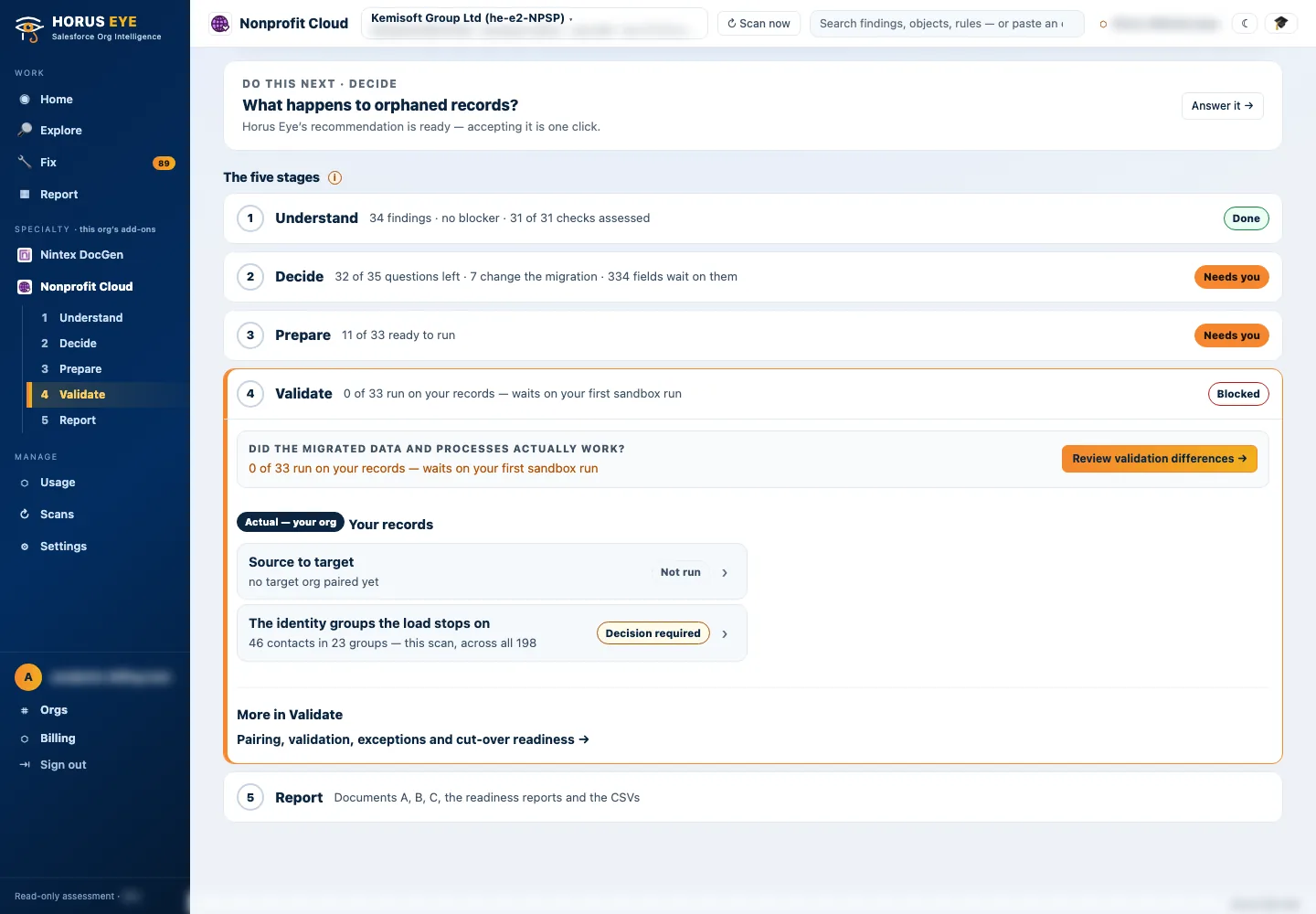
How Horus Eye helps
With Horus EyeWhen Horus Eye assesses an NPSP org, this question is raised with the evidence the scan saw — the record types, fields and settings behind it — its recommendation marked, and the reasons stated. Accept records the recommendation; Change opens the options. Recording an answer writes nothing to Salesforce: it is captured in the decision register, with who decided and when, and the migration plan, mappings and documents are kept consistent with what your organization actually decided. Horus Eye recommends; your organization decides.
Related decisions
Keep Planning- MD-2 · Gift classification — What does each Opportunity record type become: Gift Transaction, Gift Commitment, or Opportunity?
- MD-5 · Fields without a target — Where does the information in fields without a direct target go?
- AD-6 · Campaign attribution — Outreach Source Codes under the campaigns, or campaigns alone?
- AD-9 · Household soft credits — Do household members’ automatic contact roles become Gift Soft Credits?
- All sixteen decisions →
Sources & further reading
References- 1.
 Salesforce Help · Configure Rollup and Summary Calculations — The native Fundraising rollups that recompute totals in the target. ↩︎
- 2. Open Source Commons · Declarative Lookup Rollup Summaries (DLRS) — The free, community-maintained rollup package (BSD-licensed), for totals the native rollups do not produce. ↩︎
- 3. Salesforce · Fundraising Implementation Guide (PDF) — How Fundraising is planned and configured in the target: processes, objects, gift entry, RFM scoring. ↩︎
“Salesforce”, “Agentforce” and related marks are the property of Salesforce, Inc. Horus Eye is an independent product and is not affiliated with, endorsed, or sponsored by Salesforce, Inc.
Protected AI — the Trust Layer
Every AI read in Horus Eye is metadata-first: built from an allowlist, sanitized by pattern, made through one audited gateway and checked by an output firewall on the way back — and AI is off by default, per org. Every request carries an audit id and an AI Data Scope manifest you can open.
Facing this decision in your own org?
Horus EyeA read-only assessment puts the evidence behind it on the table — what your org holds, what it means for this choice, and the decisions that depend on it.
Try Horus Eye Free Request an Assessment All Horus Eye pagesFree start · 250 credits for 60 days · no card required · scans are free