NPSP Migration Decisions · MD-4
Which installed packages and integrations must work with Agentforce Nonprofit — and has each vendor confirmed it?
An NPSP integrations migration starts where Salesforce’s mapping[1] stops: it covers NPSP — not other vendors’ packages or connected systems. Each one that reads or writes donors, gifts or households needs its own answer, and metadata alone cannot tell which records an app actually touches. Integrations that write to objects that no longer exist after migration fail silently or loudly; either way, after cut-over is the wrong time to find out.[2]
Who decides
Salesforce administrator with each vendor
Decide after
No prerequisite — decide in parallel
Estimated effort
L an inventory, plus a letter per vendor
What answers it
Installed packages, payment-processor packages, connected apps — and each owner’s answer about what it touches.
Your options, and what each one does
The Options| The option | What it means for the migration |
|---|---|
| Each needed package is confirmed | Recorded per package: the vendor confirms compatibility with Agentforce Nonprofit, or names its transition path. Unneeded packages are retired. |
| Some are still unconfirmed | Those stay open risks to investigate — tracked, not forgotten. A payment processor confirmed incompatible with no approved transition blocks the migration (MD-3). |
What Horus Eye recommends — and when
Recommendation, Not VerdictList every installed package and connected app, name an owner for each, and ask each vendor in writing. Keep-and-confirm, replace, or retire — per package. The smoke test against the target org at the end proves what the confirmation letters promised. Treat the NPSP integrations migration as its own workstream, owned alongside the data move.
A recommendation is a starting point, not a verdict. The same question lands differently org by org — one fact about your automation, volumes or vendors can flip the right answer. That is why the reasons are stated, and what would change them.
How this decision plays out
In PracticeSalesforce’s mapping is thorough about NPSP and silent about everything around it — the payment processor, the marketing platform, the volunteer tool, the data warehouse sync someone set up in 2019. Each of those reads or writes donor and gift records through objects and fields that change in the migration, and metadata alone cannot tell you which records an app actually touches at runtime. That is why this decision is really an inventory with owners: every installed package and connected app, each with a named person who asks its vendor the one question that matters — “does this work with Agentforce Nonprofit, and what is the path if not?”
The answers sort cleanly into keep-and-confirm, replace, or retire — and “retire” is underused. A migration is the cheapest moment you will ever have to shed integrations nobody can explain. The unconfirmed remainder stays on the risk list, visibly, until a written answer arrives; and one special case can block the whole project: a payment processor confirmed incompatible with no approved transition is not a risk, it is a stop sign, because it intersects the recurring-giving decision. The final proof is empirical either way — every kept integration smoke-tested against the target org before cut-over, not after.
Questions to settle before you record an answer
Before You Decide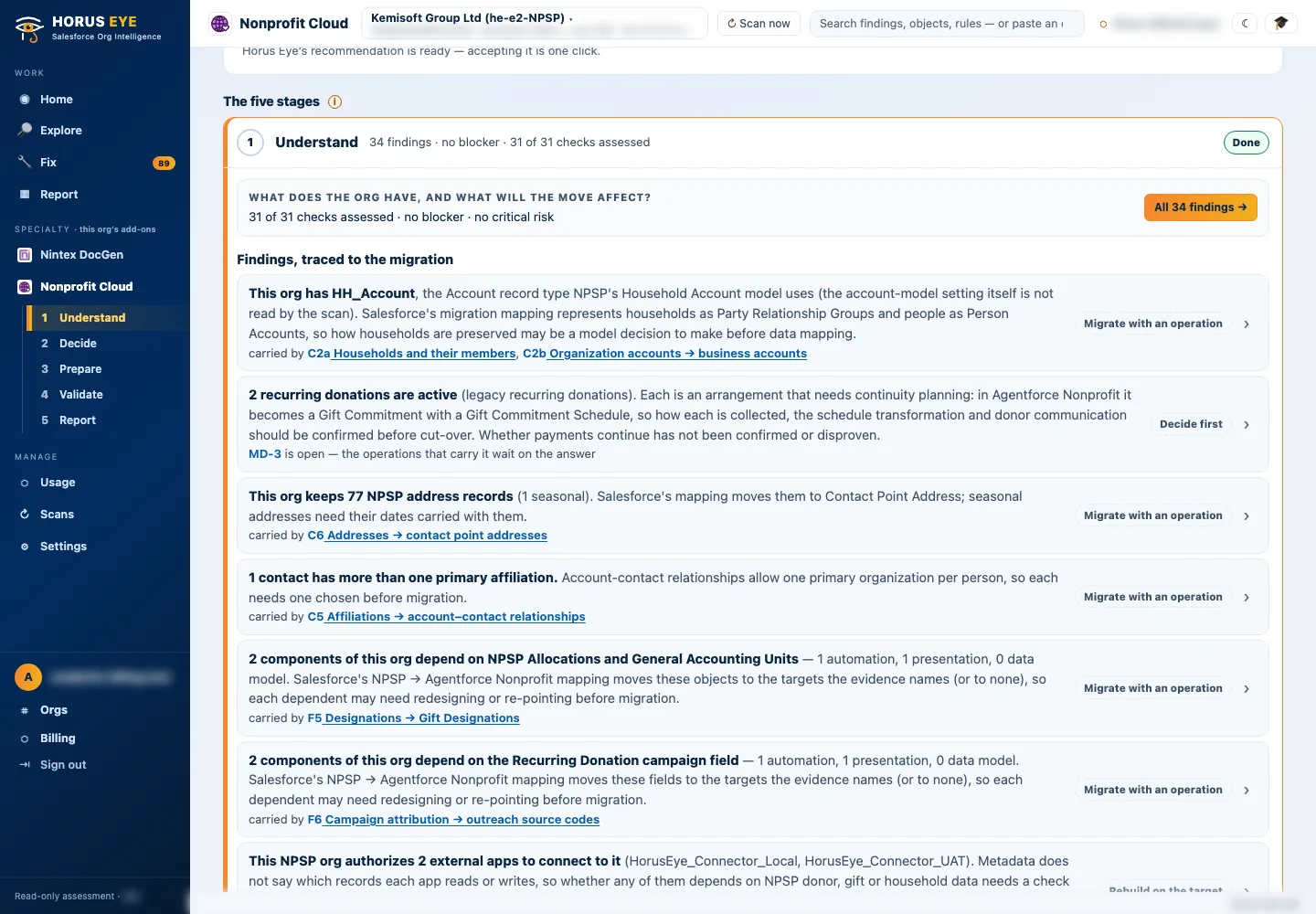
How Horus Eye helps
With Horus EyeWhen Horus Eye assesses an NPSP org, this question is raised with the evidence the scan saw — the record types, fields and settings behind it — its recommendation marked, and the reasons stated. Accept records the recommendation; Change opens the options. Recording an answer writes nothing to Salesforce: it is captured in the decision register, with who decided and when, and the migration plan, mappings and documents are kept consistent with what your organization actually decided. Horus Eye recommends; your organization decides.
Related decisions
Keep Planning- MD-3 · Recurring collection — How are recurring donations collected today, and how will their schedules continue after migration?
- AD-2 · Legacy recurring path — Legacy Recurring Donations: upgrade to Enhanced in NPSP first, or transform the legacy structures directly?
- MD-7 · Program data (PMM) — Which Program Management data must migrate to the target program and benefit objects?
- All sixteen decisions →
Sources & further reading
References- 1.
 Salesforce · Agentforce Nonprofit Migration Guide v2.0 (PDF) — The official guide this content follows: platform differences, migration recommendations, and how NPSP features map to Agentforce Nonprofit. ↩︎
- 2. Salesforce Help · Nonprofit Cloud Migration and Implementation Guides — Salesforce’s index of the migration, implementation, Fundraising and Program Management guides. ↩︎
“Salesforce”, “Agentforce” and related marks are the property of Salesforce, Inc. Horus Eye is an independent product and is not affiliated with, endorsed, or sponsored by Salesforce, Inc.
Protected AI — the Trust Layer
Every AI read in Horus Eye is metadata-first: built from an allowlist, sanitized by pattern, made through one audited gateway and checked by an output firewall on the way back — and AI is off by default, per org. Every request carries an audit id and an AI Data Scope manifest you can open.
Facing this decision in your own org?
Horus EyeA read-only assessment puts the evidence behind it on the table — what your org holds, what it means for this choice, and the decisions that depend on it.
Try Horus Eye Free Request an Assessment All Horus Eye pagesFree start · 250 credits for 60 days · no card required · scans are free